Most Bangladesh ISPs still start on spreadsheets. They work until you hit a few hundred subscribers — then billing day becomes a nightmare, MikroTik secrets drift out of sync, and expired users stay online because someone forgot to disable them.
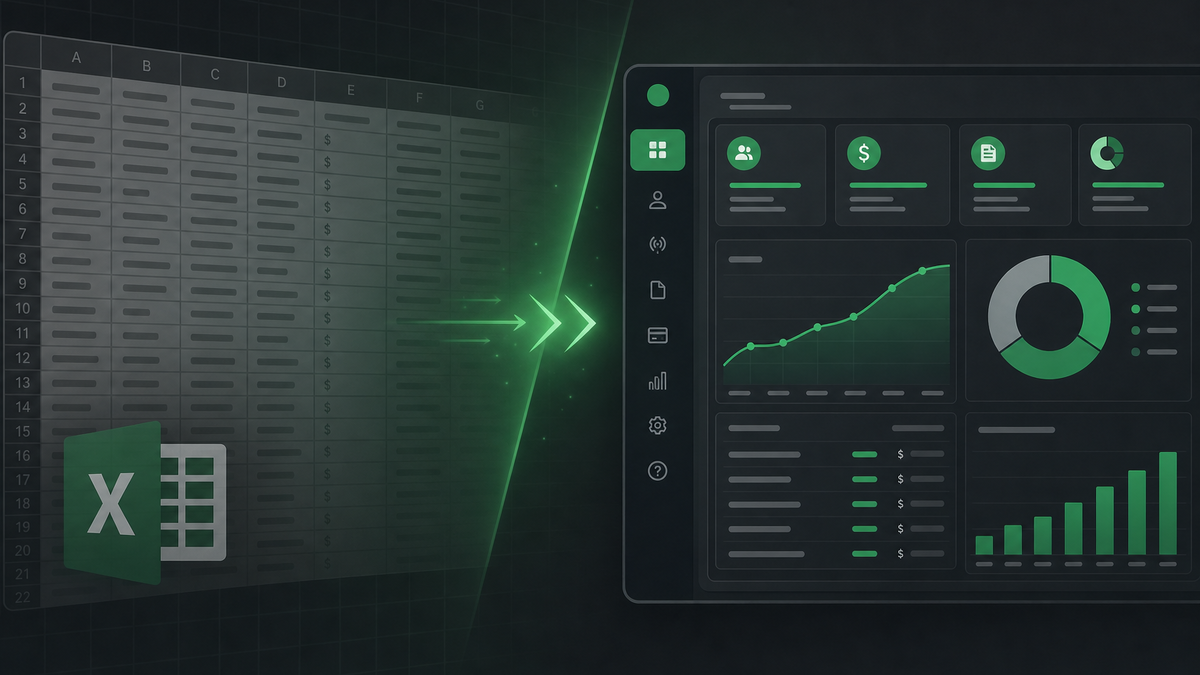
Moving to a dedicated billing panel does not have to mean a week of downtime. Here is the migration path we recommend with Zapify Billing customers.
1. Export what you already have
Grab a CSV or Excel export from your current tool — even if columns are messy. You do not need a special template. Typical exports include:
- Client name, phone, and address
- PPPoE username and package
- Billing cycle, due date, and balance
- Router or zone assignment (if tracked)
2. Map fields with Smart Import
Upload the file and let Smart Import suggest column mappings. Review mismatches once, save the mapping, and reuse it for future imports. Most ISPs complete this step in under an hour.
3. Run a parallel billing cycle
Keep your old system live while you generate invoices in the new panel for one cycle. Compare totals client-by-client. Fix mapping gaps before cutover — not after customers complain.
4. Sync MikroTik before go-live
Connect routers, push PPPoE secrets, and verify online status matches your client list. Auto-disable on expiry should be enabled only after you confirm secret counts match.
5. Cut over on a quiet day
Pick a weekday morning, send a short SMS to resellers, and switch billing authority to the new panel. With preparation, most migrations finish the same day with our support team on call.
Need help? Book a free demo and we will walk through your export file together.