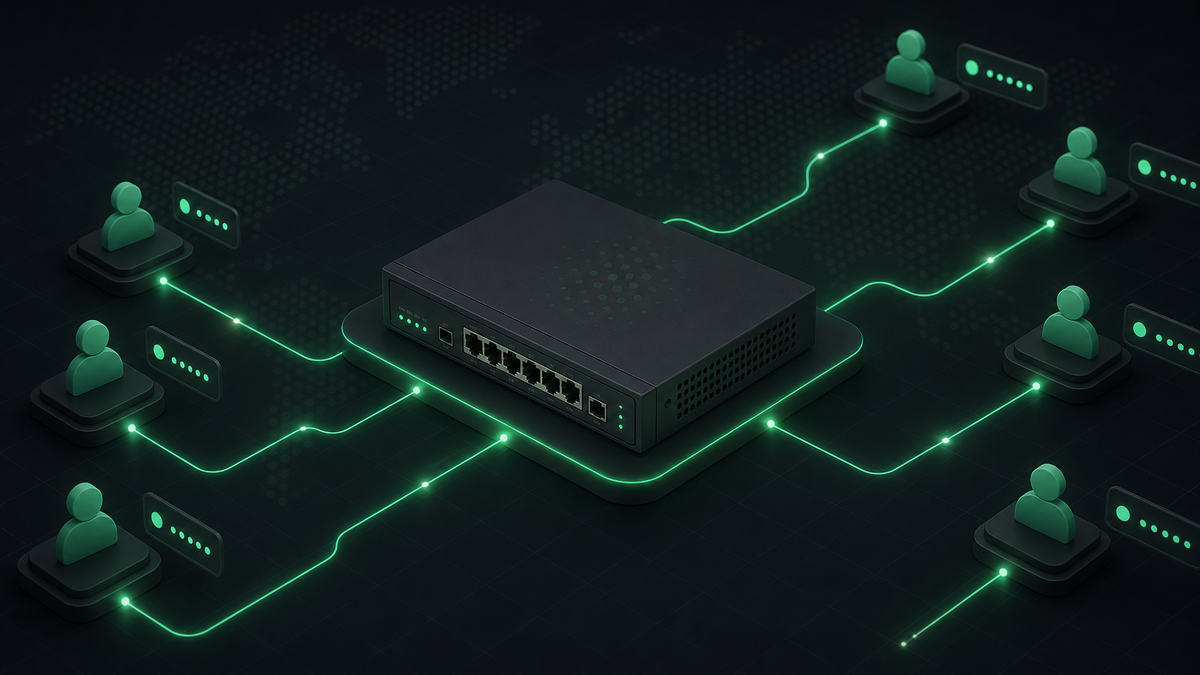
PPPoE is the backbone of most Bangladesh ISPs. RouterOS handles the connections — but billing panels decide who stays online. When those two systems disagree, you lose money and trust.
Automate these four jobs first
1. Secret creation and updates
When a client is added or changes package, the PPPoE secret should update automatically. Manual RouterOS edits do not scale past a few hundred users.
2. Disable on expiry
Expired clients should be disabled within minutes — not when someone remembers after lunch. Tie billing status directly to secret state.
3. Online status in your panel
Support staff should see who is connected without opening Winbox. Real-time status reduces “my internet is down but I paid” tickets.
4. Multi-router support
ISPs with POP sites in different zones need secrets routed to the correct router. Central management beats logging into five separate devices.
RouterOS v6 and v7
Both versions are common in the field. Your billing platform should support API and REST connections depending on what each site runs — not force a router upgrade during migration.
Start small, then expand
Connect one router, sync one branch, validate disable/enable flows, then roll out to the rest of the network. Automation wins come quickly once the first site is stable.
See MikroTik features or request a demo with your router model.